The PRD template I actually use (and how to fill it from one kickoff call)
Most PRDs die because they're written after the decisions get made. Here's the template, and how to fill it while the room is still deciding.

You don't need another PRD template.
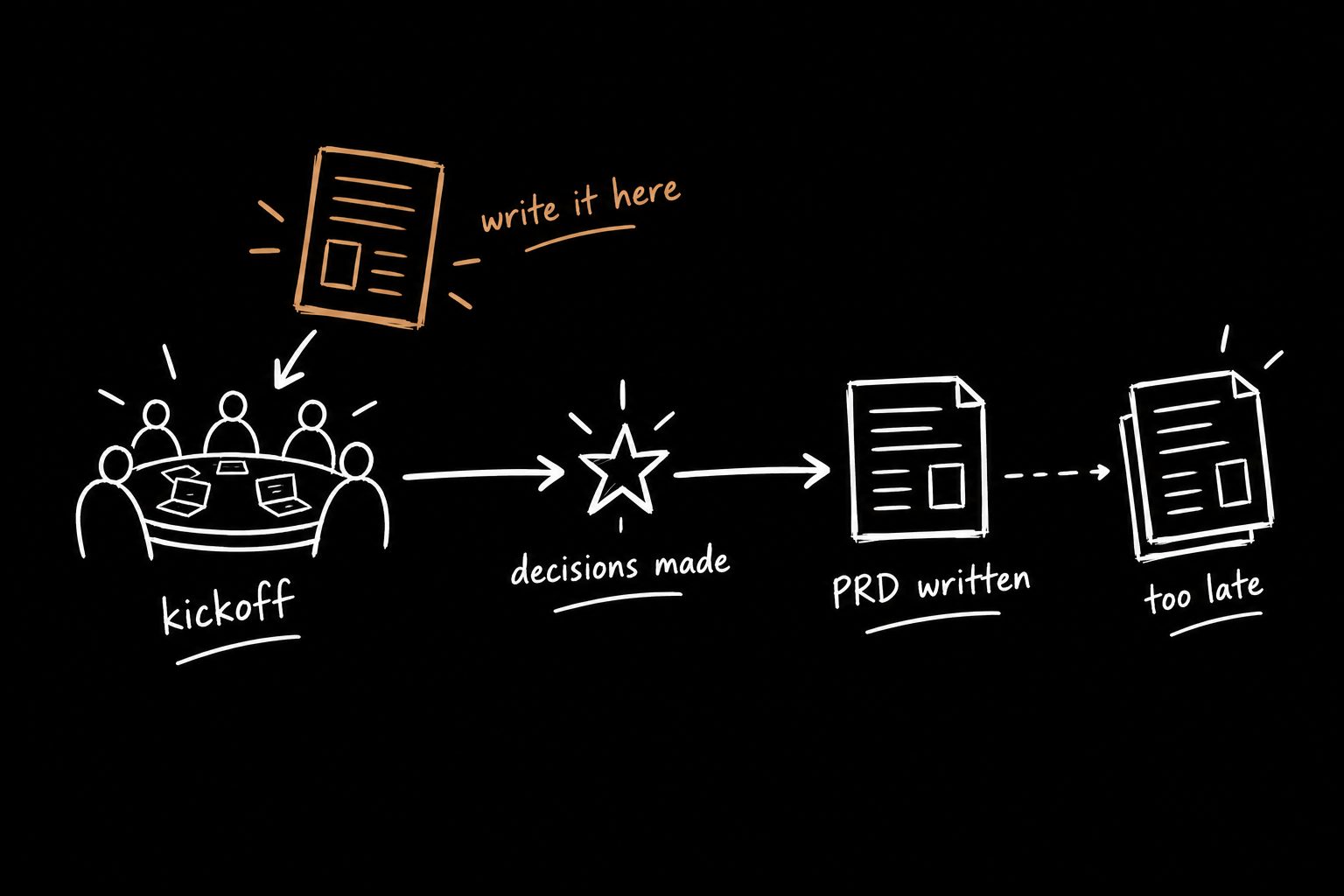
You need one that gets filled in while the decisions are actually being made. Not three days later, from memory, by whoever drew the short straw.
That's the whole problem with most product requirements documents. The template is fine. The timing is fucked.
So here's the template I use, the exact sections, copy and paste it. And then the part nobody else writes about: how to fill it from a single kickoff call, so the doc reflects real decisions instead of somebody's best guess at what everyone agreed to.
What a PRD is actually for
A PRD (product requirements document) is supposed to answer one question for everyone who touches the work:
What are we building, why, and how will we know it worked?
That's it. Not a spec of every pixel. Not a wish list. A record of decisions.
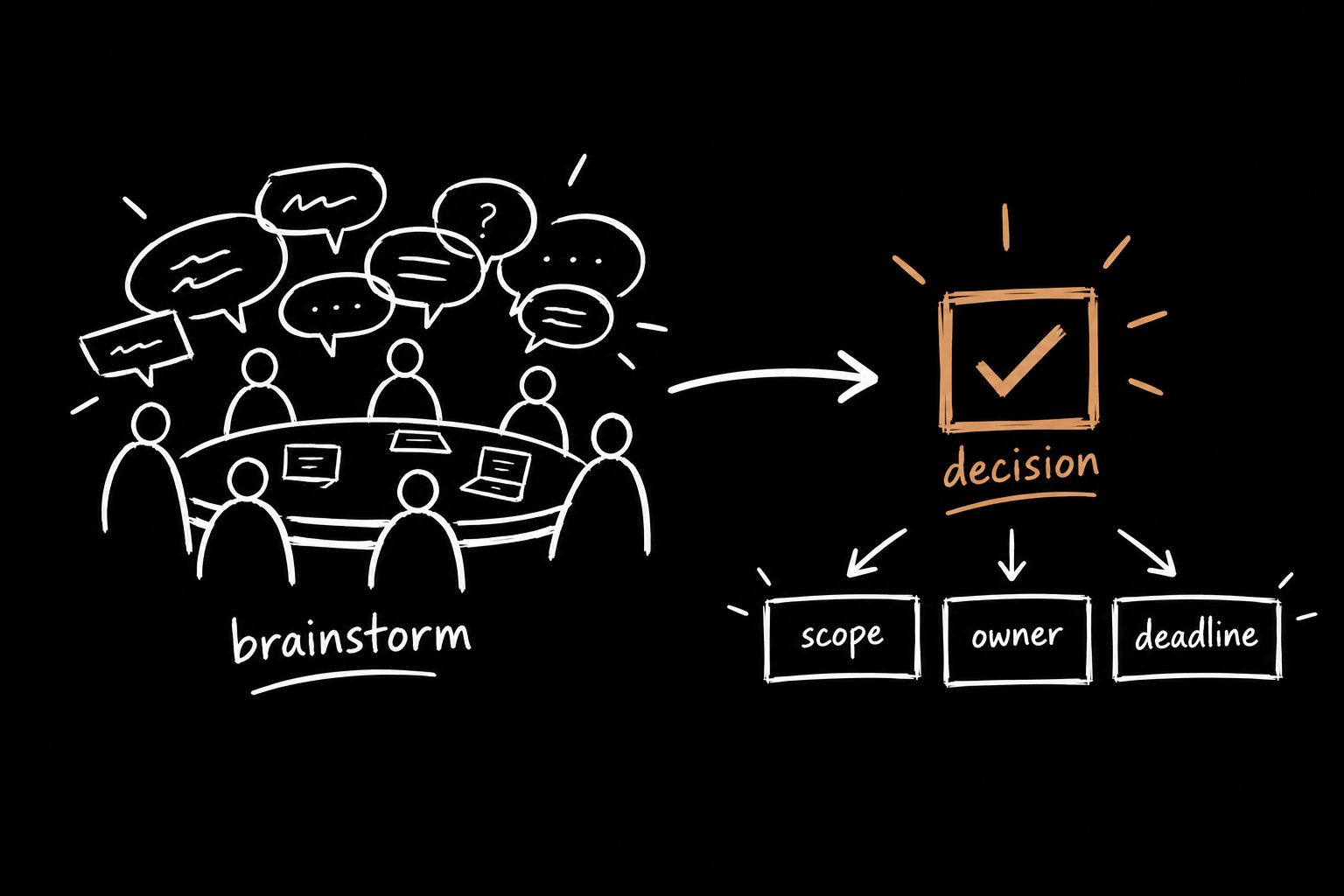
Here's where it usually goes sideways. Teams agree on a big idea first. Then reality shows up later. Timelines. Scope. Engineering limits.
That's when the design gets hacked to bits.
You're still in the room, but you don't really own the work anymore. Decisions start getting made around you, not with you.
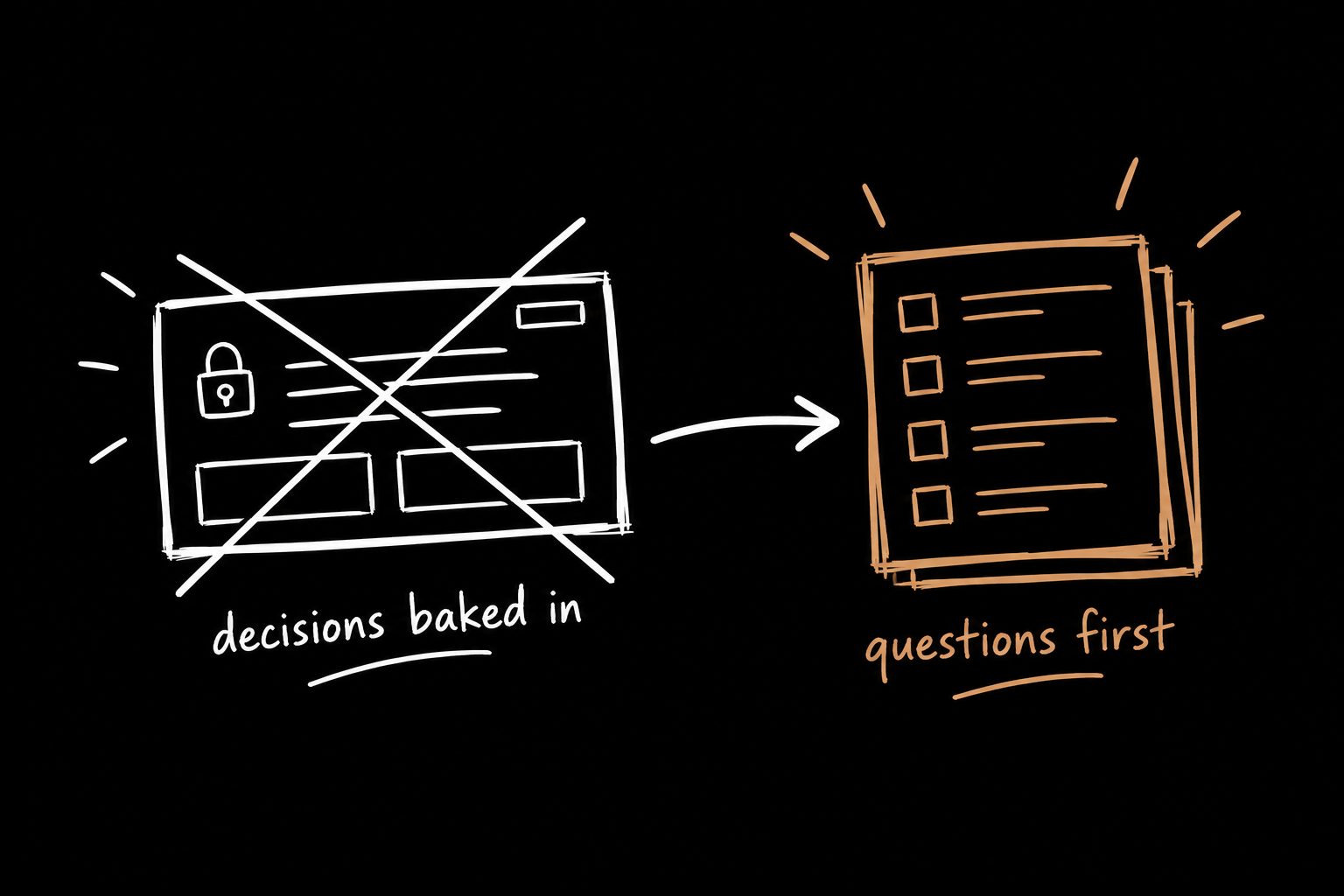
A good PRD flips that order. Constraints first. Ideas second. Design starts inside the box, which means it doesn't get dismantled later.
The PRD template (copy and paste)
These are the same sections the Builder Kickoff™ skill generates. Steal the whole thing.
# [Feature name] PRD

## 1. Metadata
- Epic:
- Feature:
- Product owner:
- Designer:
- Tech lead:
- Status: Draft / In review / Approved
- Last updated:

## 2. Objective
- What problem are we solving, in one sentence?
- Who has this problem?
- How will we measure success? (metric, baseline, target, timeframe)

## 3. Problem and context
- Pain points (what users and the business feel today)
- Market context (what competitors or alternatives do)
- Value proposition (why this is worth building now)

## 4. ROI analysis
- The bet: what we believe will happen if we ship this
- Team cost: people x weeks
- Decision table: build / don't build / smaller version, with the tradeoff of each

## 5. Scope
- MVP requirements (must ship)
- Out of scope (explicitly not doing this time)
- Constraints (time, tech, legal, dependencies)

## 6. Open questions
- What we still don't know, who owns finding out, and by when
Six sections. Most of them fit on one screen.
If your PRD needs a table of contents, it's not a PRD anymore. It's a novel. And nobody on your team is reading a fucking novel before sprint planning.
Why most PRDs go stale by Thursday
I had a conversation with someone whose team spent three weeks shipping something that should have taken a few days.
No big surprises. No crazy scope. Just a straightforward feature.
Three weeks.
And I remember thinking, yeah, that sounds about right. Because it always starts the same way.
You get everyone in a room. Product, design, engineering. There's energy. There are ideas. Everyone leaves thinking, cool, we're aligned.
Except you're not. You're just agreeing to keep talking.
A few days later engineering raises a constraint nobody mentioned. Design drifts in a slightly different direction. Scope quietly grows because "it would be nice if we also…"
And now you're fucked.
Decisions stop happening in the room. They happen in Slack threads and quick huddles where half the context is missing. Somebody writes the PRD after all of that, and it documents a version of the feature that never really existed.
That's not a documentation problem.
It's a kickoff problem.
How to fill this template in one kickoff call
Run the kickoff to fill the template. Not the other way around. (Here's the full project kickoff meeting agenda I use.)
Step 1: Force the four questions before anyone pitches a solution.
- What are we actually solving?
- What are we explicitly not solving?
- How much time do we really have?
- What tradeoffs are we willing to accept?
Those four answers fill your Objective, your Out of scope and your Constraints. That's half the PRD done before anyone opens Figma.
Step 2: Make the room name the bet out loud.
"If we ship this, we expect ___ to move from ___ to ___ within ___."
If nobody can finish that sentence, you're not ready to build. You're ready to research. That sentence is your ROI section and your success metric in one shot. Stuck on which number to use?
Here are the UX metrics that actually make it into the exec deck.
Step 3: Put a number on the team cost.
People times weeks. It's uncomfortable. Do it anyway.
The minute a feature has a price tag, the "nice to haves" start dying on their own. You won't even have to be the bad guy.
Step 4: Write down what you're not doing.
Out of scope is the most underrated section in any PRD. Every line in it is an argument you won't have in week three.
Step 5: Record the call.
This is the cheat code. If you record the kickoff, the transcript already contains almost every decision this template asks for. You don't have to take perfect notes. You have to ask the right questions and hit record.
I've been turning those transcripts into a first-draft PRD with a Claude skill. It's not perfect. But it saves a shit ton of time getting something structured that engineering can actually react to.
PRD example (filled in)
Here's what a filled-in PRD looks like. This one is illustrative, not from a real team, so you can see the shape without any confidential detail.
| Section | Example |
|---|---|
| Objective | Let account managers save report filters so they stop rebuilding the same view every Monday. Success: weekly active report users up from 38% to 50% within one quarter. |
| Pain points | Managers rebuild the same five filters every week. Support gets "where did my view go" tickets. |
| The bet | Saved filters cut time-to-report and pull managers back into the product weekly. |
| Team cost | 1 designer, 2 engineers, 3 weeks. |
| Decision table | Full saved views (5 weeks, highest impact) vs. saved filters only (3 weeks, most of the value) vs. do nothing (keep losing weekly usage). Chose saved filters only. |
| MVP requirements | Save, name, load and delete a filter set. Max 10 per user. |
| Out of scope | Sharing views with teammates. Scheduled email reports. |
| Open questions | Do saved filters need to survive a permissions change? Owner: tech lead, by Friday. |
Notice what's not in there. No pixel spec. No user flow diagrams. Those come later, inside the box this doc just drew.
Who should write the PRD?
Usually the product manager owns it. But here's the thing designers miss: whoever writes the PRD frames the problem. And whoever frames the problem has more influence over the solution than whoever designs it.
If you're a designer and you're tired of decisions getting made around you, offer to draft the PRD from the kickoff. (And if the work arrives as a half-baked ticket, start one step earlier with a product brief.) You'll walk into every review as the person who wrote down what everyone agreed to.
That's not admin work. That's the seat at the table.
PRD template FAQ
What's the difference between a PRD and a BRD?
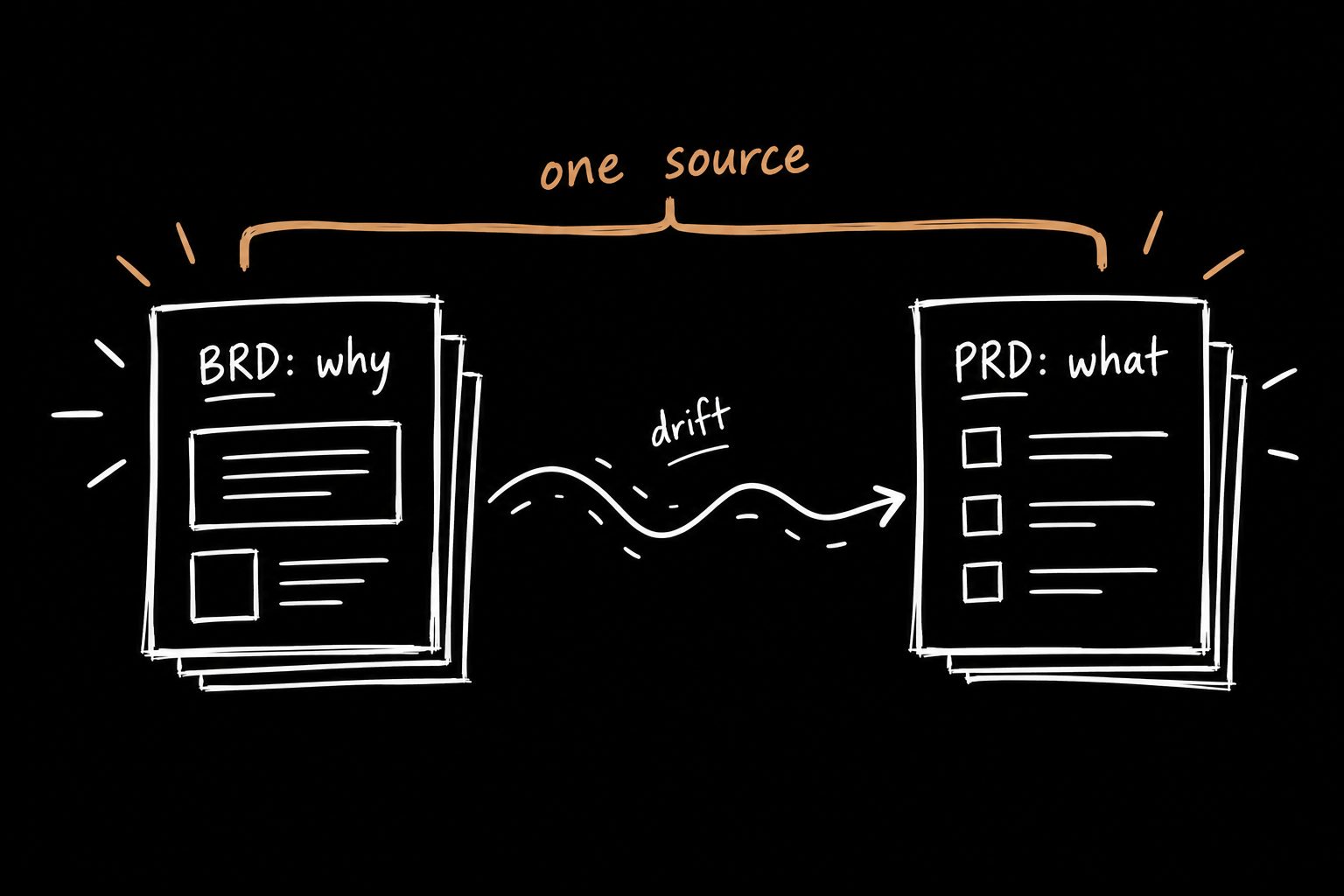
A BRD (business requirements document) explains why the business wants something: goals, market, revenue. A PRD explains what the product will do to get there: requirements, scope, success metrics. Most teams don't need both.
The template above folds the business case into the ROI section so you only maintain one doc. I go deeper in PRD vs BRD: which one you actually need.
How long should a PRD be?
As short as it can be while still answering what, why and how you'll know it worked. One to three pages is plenty for most features. If it's longer, you're writing a spec, and that belongs in a different doc.
Should a PRD include designs?
Link to them. Don't paste them in. The PRD is the decision record. Designs change faster than decisions should, and you don't want to update the PRD every time a button moves.
Can AI write a PRD?
It can write a solid first draft, if you feed it real decisions. Give it a kickoff transcript and you'll get something useful in minutes. Give it a vague prompt and you'll get a confident, generic doc that nobody trusts.
The quality comes from the conversation, not the tool. Once you have the PRD, here's the AI prototyping workflow I use to turn it into a working v1.
When should you write the PRD?
During the kickoff, not after. That's the whole point of this letter.