Live Workshop
Prototype Ready.
A 90-minute workshop for designers who want to turn messy product ideas into prototypes their team can actually react to. Not another deck. Not another "let me circle back." A prototype that moves the damn conversation.
Save your seat — $7THE PROBLEM
You're not slow. Your workflow is.
Most designers are using AI for scraps. Auto-complete. "Make this look more modern." The workflow stays the same — vague idea, open Figma, hope. AI just makes the hoping happen faster.
You can generate a full screen of UI in 30 seconds and still not know what you are trying to prove. More output. Same problem. Just a more impressive-looking, beautiful pile of bullshit.
The bottleneck was never speed. It was always the first five minutes: what are we actually testing, who is it for, and what counts as passing.
That is where Prototype Ready comes in.
The usual mess
The problem is always the first five minutes,
not the tools.
THE SHORT VERSION
Everything you need to know, in ten seconds.
- What it is. A 90-minute live workshop. One payment. You get the session, the replay, and every template and tool in the stack.
- What you need. A real problem to work with and enough self-awareness to know "make it pop" is not a brief.
- When it is. First Saturday of every month at 7:00 AM ET on Zoom. If you can't make it live, the full replay ships within 24 hours.
- What you leave with. Seven tools, a working process, and a method that pretends the Jira ticket made sense so you can build what actually matters.
- What it costs. $7. One-time. Less than a Figma plugin subscription. No upsell at the end.
THE METHOD
Four parts. Finished on the call.
Prototype Brief
Before anything opens in Figma, you write a one-page brief: what are we testing, who is it for, what counts as passing. Most prototypes fail because nobody wrote this down.
~20 minBuild Workflow
Use Claude to generate three wireframe directions from your brief. Pick the best one, not the first one. Build it with scope discipline — and know when to stop building because the prototype already proved the damn point.
~20 minValidation Loop
Set up a 10-minute test before you spend three hours on screens. Define what the prototype needs to prove. Run a quick check with a teammate or PM. Build with a clear pass/fail in mind.
~30 minHandoff Format
Write up findings that actually change what gets built next. Package the prototype so it becomes a decision-making tool, not a Figma link nobody knows how to read. The template comes with you.
~20 minYou're not just buying 90 minutes. You're getting the brief worksheet, prompt pack, Cursor + Claude guide, validation checklist, handoff template, and the replay. Everything in the workflow, not just the walkthrough.
Prototype Brief Worksheet
One page. Five fields. Turns a vague idea, a PRD, or a stakeholder ramble into a scoped prototype brief before anyone opens Figma.
AI Prototype Prompt Pack
Organized by workflow stage: brief, directions, build, test. So you are not starting every prototype with "please make this better" like a maniac.
Cursor + Claude Workflow
When to use Claude for thinking and Cursor for building. The cheat sheet for not burning 45 minutes on the wrong tool.
Validation Checklist
Define what the prototype needs to prove before you show it to anyone. One sheet. Saves a lot of awkward meetings.
Handoff Template
Package the prototype so it becomes a decision-making tool, not another weird sandbox link.
Replay + Q&A
Rewatch the session and steal the workflow when your calendar stops punching you in the face.
YOUR SEAT
90 minutes. $7. Walk out Prototype Ready.
One working session. Seven deliverables. A method you can run on your next project.
Prototype Ready.
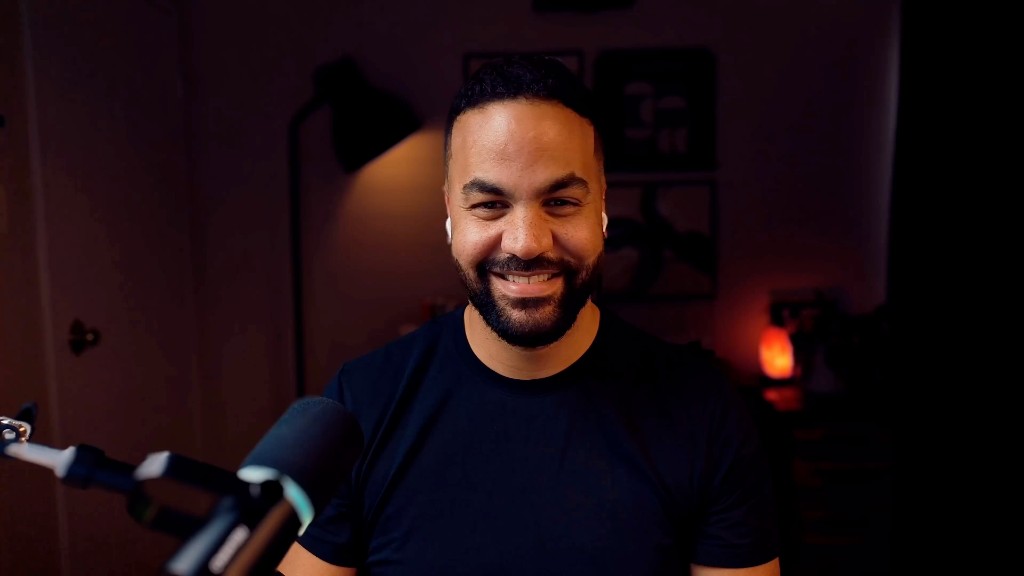
A 90-minute live working session with Tyler White — not a webinar wearing a fake mustache.
What's included
WHY THIS WORKS
The prototype is not the deliverable. The decision is.
A pretty prototype is useless if nobody knows what it proves.
Prototype Ready gives you a simple way to frame the idea, build only what matters, and use the prototype to force a clearer decision.
No 47-screen masterpiece. No random vibe-coded sandbox. No "looks cool, but what are we doing with this?"
Just a workflow for turning messy product conversations into something your team can actually judge.
Frame the mess
Turn vague asks, half-baked PRDs, and stakeholder rambles into a clear prototype brief.
Build the proof
Use Figma, Claude, and Cursor to create only what the decision actually needs.
Drive the decision
Package the prototype so PMs, engineers, and stakeholders know what it proves and what happens next.
Your host
Tyler White.
Principal Product Designer. 15+ years across B2B SaaS, fintech, AI, design systems, and product-led growth. I have shipped a lot of prototypes. Most of the bad ones were bad because of the first five minutes.
Two years ago I started using Claude in my prototype workflow. Not to speed-run components, but to front-load the thinking. Brief first. Directions second. Build third. My prototype time dropped by more than half and the output actually got better.
This workshop is that method. Not a tool review. Not a framework to study. A working session where you build a brief, generate directions, and leave with a process you can run on your next project.
product
level
focus
workflow
FAQ
Common questions.
Is this for designers who can't code?
No code required. The workflow uses Claude and Cursor as thinking tools, not a reason to learn to code. If you can describe what you want in plain English, you can use these tools effectively.
Do I need Cursor?
No. The core workflow runs on Figma and Claude. Cursor is covered as an optional tool for code-based prototyping. If you want to use it, there is a section on how to do that without your prototype becoming AI spaghetti nobody can edit.
Is this just vibe coding?
No. Vibe coding is what you get when there is no brief, no validation plan, and no idea what you are trying to prove. The result is impressive-looking garbage nobody can ship. This workshop is specifically about avoiding that — using AI to generate and compare directions quickly, without skipping the important shit.
Will there be a replay?
Yes. Every seat includes the full replay within 24 hours. If your timezone is painful or something comes up the day of, you will not miss the material.
Is this beginner friendly?
It assumes you have shipped at least one digital product and know your way around Figma. If you have shipped dozens, it will probably change how you spend the first hour of every project.
What should I bring?
A real problem. Something messy and underspecified, not a clean hypothetical. If you have a project that has been stalled because nobody agrees on what to build, bring that one. The worksheet works best on something you actually need to solve.
BUILT FOR MODERN PRODUCT WORK
Build prototypes that end conversations.
Stop debating what to build. Stop guessing what it should look like. Make a prototype that forces a decision.
Get Prototype Ready — $7