AI/ML · Internal tooling
Months to weeks: the pipeline builder that made ML work reusable
Every client project rebuilt what the last one had already solved. Data scientists juggled 30 to 40 duplicate notebooks with no way to compare, name or reuse their work.
Months → weeks
Client delivery time
30–40
Duplicate notebooks per experiment, before
6 months
To ship the first version
3 teams
Data science, design and dev
The real cost of rebuilding
Stradigi AI was an ML agency. A dedicated team building custom AI for outside clients, one contract at a time.
Every project looked different. Underneath, most of them weren't. Same kinds of models, same kinds of data problems, solved from scratch every time, because nothing from the last project was built to be reused.
You could see the cost on the data scientists' screens. A typical project meant 30 to 40 open Jupyter notebooks, each a slightly different version of the same model. No naming convention. No record of what had been tried. When a client came back with changes, the team often started over.
That wasn't a talent problem. The data scientists were good. It was structural: nothing about how the team worked made yesterday's solved problem available to tomorrow's project.
This was not a hiring problem. It was a reuse problem.
What we found
We sat with the data science team and watched them work instead of asking them to describe it. Three things stood out.
- Every experiment lived in its own notebook.
- There was no way to compare experiments side by side.
- There was no record of what had already been tried, so client changes meant starting over.
The goal became clear. Give experiments a structure: visual, labeled and reusable, without changing how a data scientist thinks through a model.
The decision
Build on an open-source, node-based framework and customize it, instead of building the engine from scratch.
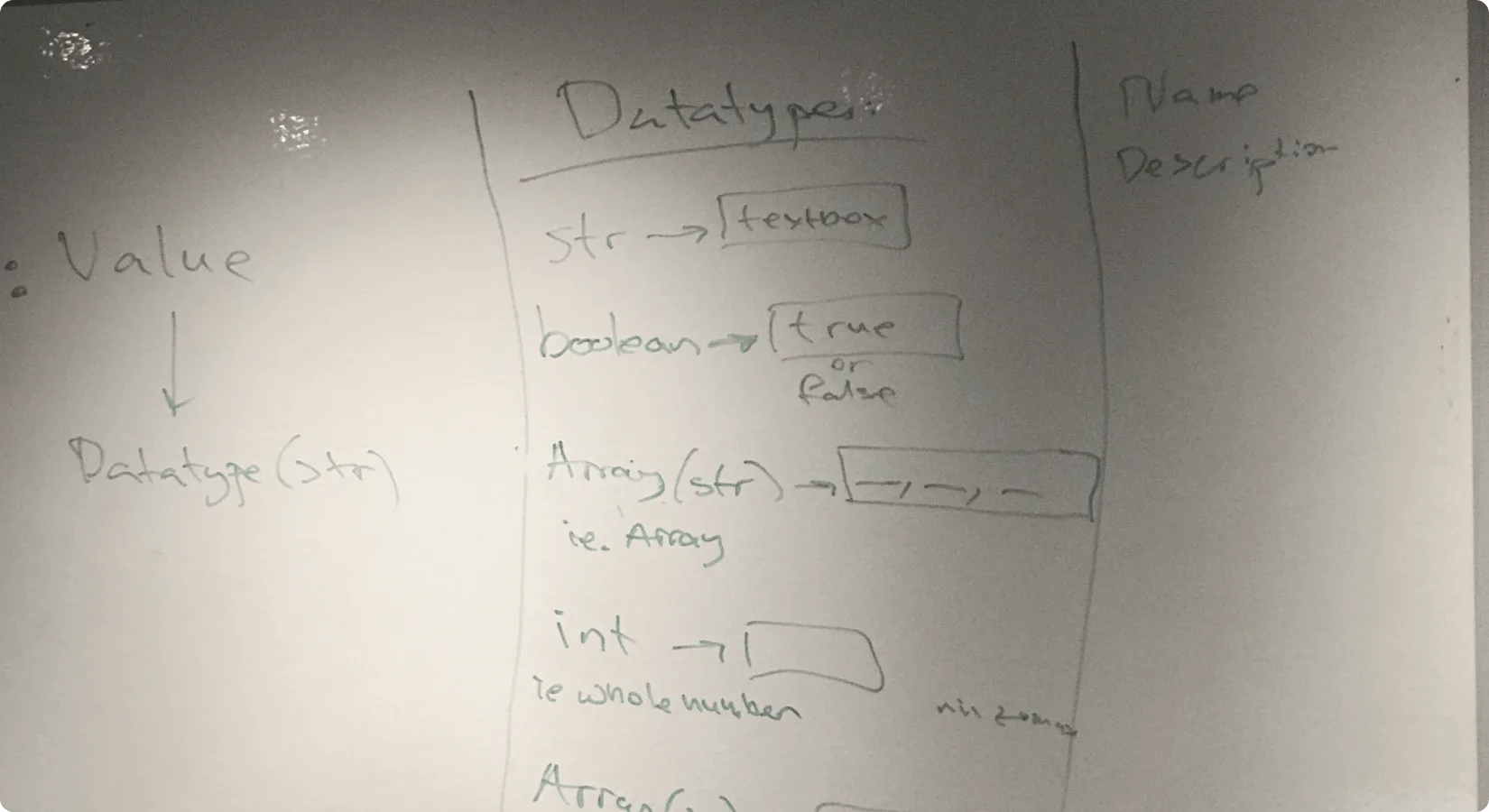
The core idea was blocks: snippets of code saved as reusable nodes. Data scientists connect blocks the same way they already reasoned through a notebook. The difference is that each block is now a saved, shareable unit instead of a line buried in a one-off script.
What shipped
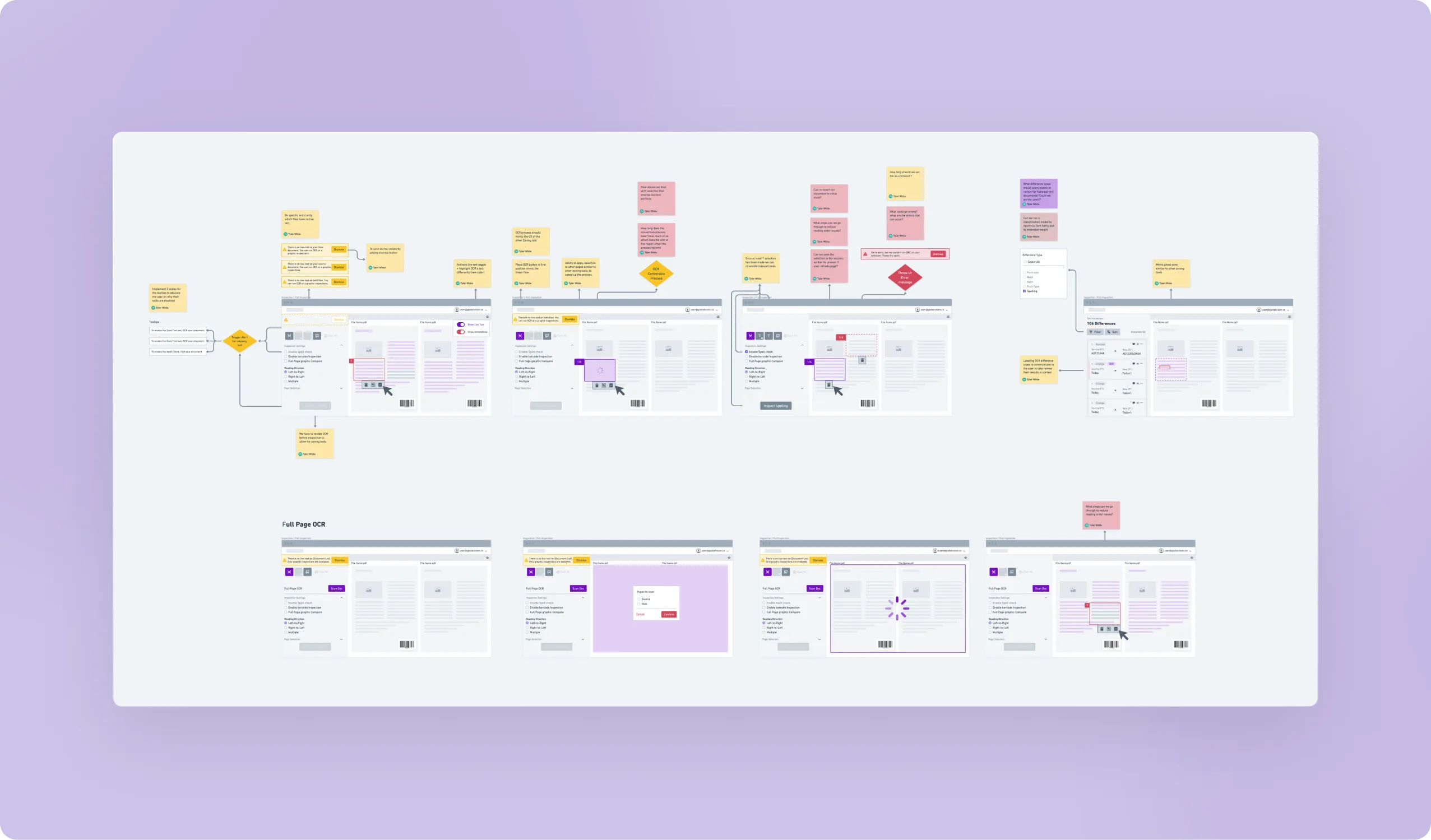
We built it in stages: the block concept, wireframes and small proof-of-concept builds, usability tests with the data science team, then iteration on what they told us.
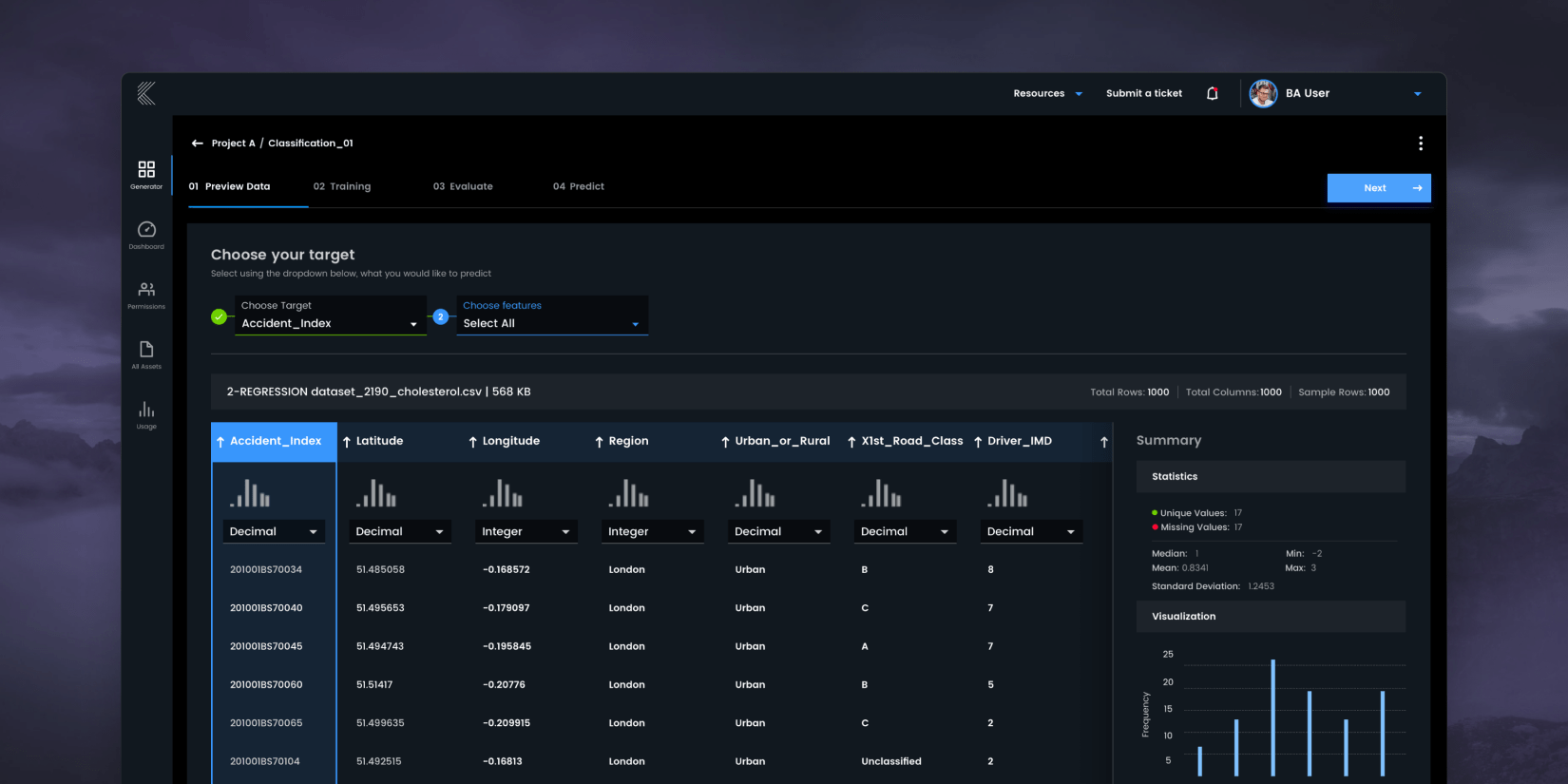
Data import and cleaning came first. It's the messiest part of any experiment, because data rarely arrives clean. We shipped a way to visualize incoming data, a table view to inspect it, and cleaning tools that work without leaving the pipeline.
Then blocks created a new problem. People liked snapping blocks together. They hated debugging pipelines when blocks were connected wrong. So we built logic into the blocks and added visual cues for which blocks can connect to which. A bad connection now fails loudly instead of silently. That one change turned a fun but fragile interaction into one people trusted with real projects.
A process around the tool. When a client raised a problem, the team checked the library first, reused anything already solved, and only wrote new code for genuinely new problems. That new code became a new block, so the library compounded with every project. A companion dashboard showed experiment results and model performance without leaving the workflow.
After six months we had a genuinely useful internal tool. Not fully polished, which is the tradeoff every internal product makes against a client-services budget.
Results
- Client project timelines dropped from months to weeks. Work started from a library of validated blocks instead of a blank notebook.
- Less custom code per project, helped by importing an open-source code library into the builder.
- Every solved problem became a block, so each new project started further ahead than the last.
What I'd do differently
I'd validate every block with the data science team before shipping it. The features that stuck were the ones we tested with them. The ones we skipped that step on got the lowest adoption, no matter how useful they looked on paper.
What I learned
Data scientists are power users with strong opinions about their workflow. The design work here was less about a new interface and more about noticing which parts of their process to keep exactly as they were, then making those parts reusable.