
Free video walkthrough · Coming soon
The Prototyping Method: What Director-Level Designers Do to Ship Prototypes With a Business Case
A free 4-minute walkthrough from Tyler White, Director of Product Design.15 years in B2B SaaS and fintech | Work featured in Forbes, Bloomberg, Financial Post and more
What you'll learn:
- How to load real context so AI stops inventing your product
- The prompt that gets rid of bad ideas in about 30 minutes
- How to put a dollar value on a prototype before you present it
First access and the $27 launch price
Tyler's work has been featured in


His knowledge on how ROI and Product Design go together is unmatched.
 Nick GroeneveldSenior UX Designer
The problem
AI builds fast. It gets things wrong just as fast.
AI will hand you a wrong answer with total confidence. Present that and you look sloppy, fast.
The designers getting ahead use the speed to find what's wrong first, then show up with a prototype and a number.
The method
Five steps to a prototype you can defend.
The tool matters less than the order. Context, exploration, real testing, the business case, then polish.
Load context first
Connect Claude to your GitHub repo and feed it the PRD, notes and screenshots before you ask for anything. Then tell it to wait.
Explore 4 to 5 directions
Separate threads, one prompt. You're looking for what breaks, so two of them usually die right away. That's the point.
Build the risky part in code
Anything with real logic gets a quick working version in Cursor. That's where the problems mockups hide show up.
Put a number on it
Run the ROI step on the direction that survived, so your review starts with what the change is worth instead of how it looks.
Polish and hand off
Once the logic holds up, move to Figma, line it up with the design system and hand engineering something that already works.
Everything you get
The full workflow. Yours to keep.
The video lessons
All five steps, recorded on a real feature, so you see every prompt and every place it goes wrong.
GitHub and Claude setup
How I connect Claude to the codebase so it knows the product, the constraints and how things actually work.
The exploration prompt
The prompt I use to generate 4 to 5 directions and expose the bad ones. Copy it and reuse it on every feature.
The ROI workflow
The step that turns a prototype into a business case: what the change moves, what it's worth and how to say it in review.
The Funnel SimulatorBonus
You built it. Now show what it moved. A Claude skill that models what a conversion change is worth before it ships.
The 15 Minute Case StudyBonus
A Claude skill that turns rough project notes into a case study, so the prototype becomes proof for your next review.
Optional at checkout: Builder Kickoff™. Prototyping Method builds the thing. Builder Kickoff gets the team to agree on what the thing should be first.
+$47What designers are saying
Don't take my word for it.
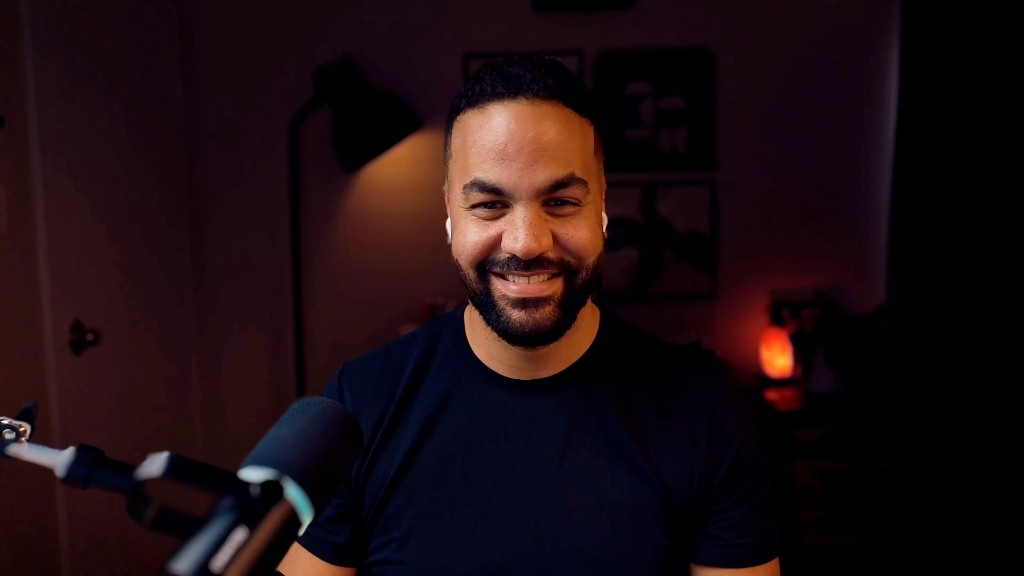
Your teacher
Tyler White.
I'm a Director of Product Design with 15 years in B2B SaaS and fintech. I build more of my prototypes in code than in Figma now, connected to the real product.
This is the exact workflow I use with my team, including the parts where AI burns you if you trust it blindly.
Your access
Your next prototype comes with a business case.
Add Builder Kickoff™ for $47 at checkout
- What's included:
- The video lessons, all five steps
- GitHub and Claude setup
- The exploration prompt
- The ROI workflow
- Bonus: The Funnel Simulator
- Bonus: The 15 Minute Case Study
30-day money‑back guarantee.
Run it on one feature. If it doesn't change how you prototype, email me within 30 days for a full refund. No questions asked.
Frequently asked questions
Still unsure? Email me and I'll answer myself.
Why is it $27?
It's the way in. I'd rather you see how I work for the price of lunch than read about it. If it helps, you'll know where to find the rest.
Do I need to know how to code?
No. Claude and Cursor write the code. Your job is deciding what to build and checking that it actually works, and the course shows you how.
What tools do I need?
Claude connected to GitHub, Cursor and Figma. The course covers the setup.
Is this just vibe coding?
No. Vibe coding is building with no context and no idea what you're trying to prove. This workflow starts with real context, kills the bad ideas on purpose and ends with a number.
How is this different from Builder Kickoff™?
Builder Kickoff decides what to build with your team. Prototyping Method builds it and proves what it's worth. You can add Builder Kickoff at checkout for $47.
How long do I have access?
It's yours to keep. Rewatch any step right before you need it.
What if it doesn't work for me?
Email me within 30 days and I'll refund you in full. No form, no hoops.