
Automating Quality Control
Reducing document review from days to minutes in a regulated environment
Built an automated document comparison system that helped GlobalVision reach $1M ARR in its first year.
The Constraint
Verify is a document quality control platform designed for pharmaceutical teams operating in highly regulated environments.
Before Verify, document reviews relied on manual proofreading across multiple departments, introducing delays, risk, and inconsistent outcomes. As review cycles scaled, release timelines stretched from hours into days, creating operational bottlenecks and compliance pressure.
The problem was not accuracy.
It was speed, trust, and scale.
Ownership
I was the founding product designer responsible for defining how document inspection would be automated in a regulated environment.
This included shaping the inspection workflow, determining where automation could safely replace manual review, and validating that results met the trust requirements of compliance and regulatory teams.
The goal was not to speed up proofreading.
The goal was to reduce release risk while maintaining regulatory confidence.
The problem
Pharmaceutical documents move through multiple review stages involving Regulatory Affairs, Compliance, and external authorities.
Manual proofreading made this process slow and fragile. Each revision increased review time, introduced human error, and delayed release. As document volume increased, teams could not scale quality control without adding headcount or accepting risk.
This was not a tooling gap.
It was a process constraint.
Research and Discovery
Verify is the newest addition to GlobalVision’s suite of document quality control software. This application addresses a particular problem in the upstream space, which spans the creation of the initial Word document to the final, print-ready file.
Research Methods
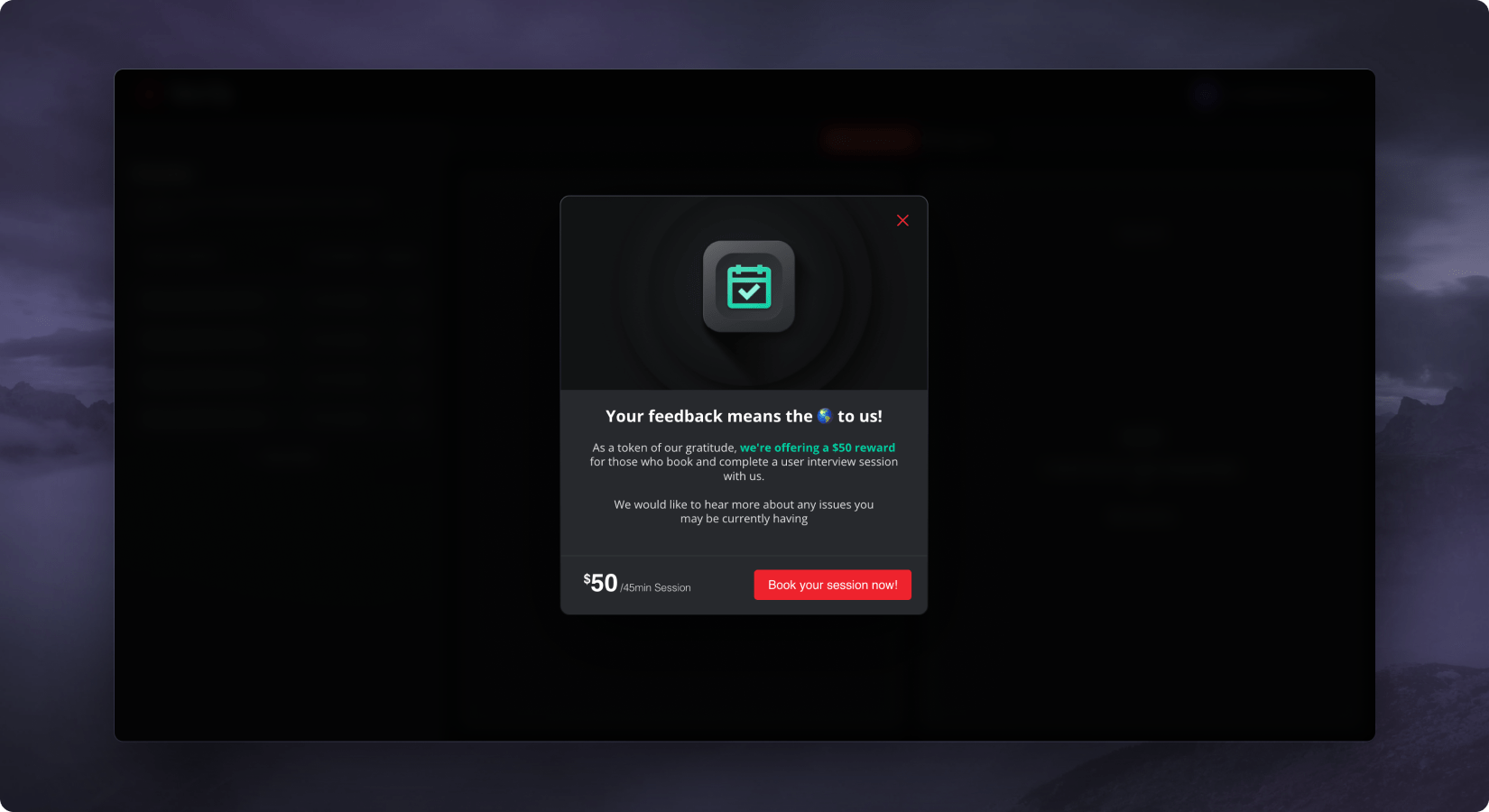
We utilize various research methods to gain insights into a new problem space we call “upstream”—which spans the creation of the first Word document up to the final PDF before print.
These methods include:
- User Interviews: We engage with our existing customers to understand their needs and experiences.
- Usability tests: We conduct tests to assess the ease of use and functionality of our products.
- Session recordings (via Hotjar): We analyze user interaction with our products to identify potential areas of improvement.
- In-app surveys: We gather direct feedback from users while they are using our products.
We leveraged our current customer base to gain insights into the problems within the upstream space.
Design Process
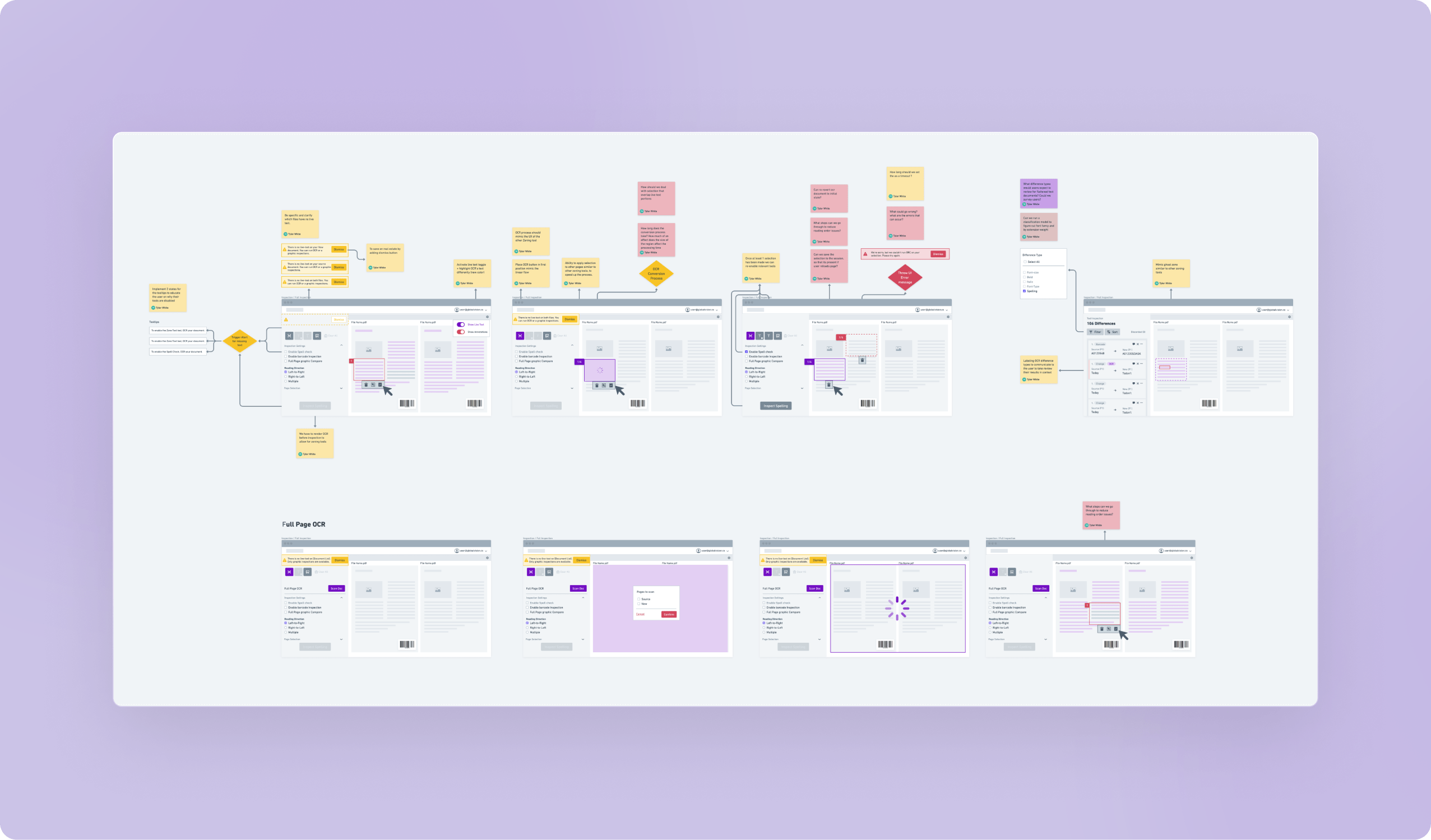
We ensured substantial user involvement during the prototype phase to mitigate risks before pushing any code. This was achieved through:
- Implementing the double diamond methodology to define user problems
- Multiple iterations of wireframes
- Creating Figma prototypes
- Developing mini Proof of Concepts (POCs)
- Validating every feature with our end users
Challenges
Manual Graphic Inspections
Inspecting graphic elements is a significant use case for our customers.
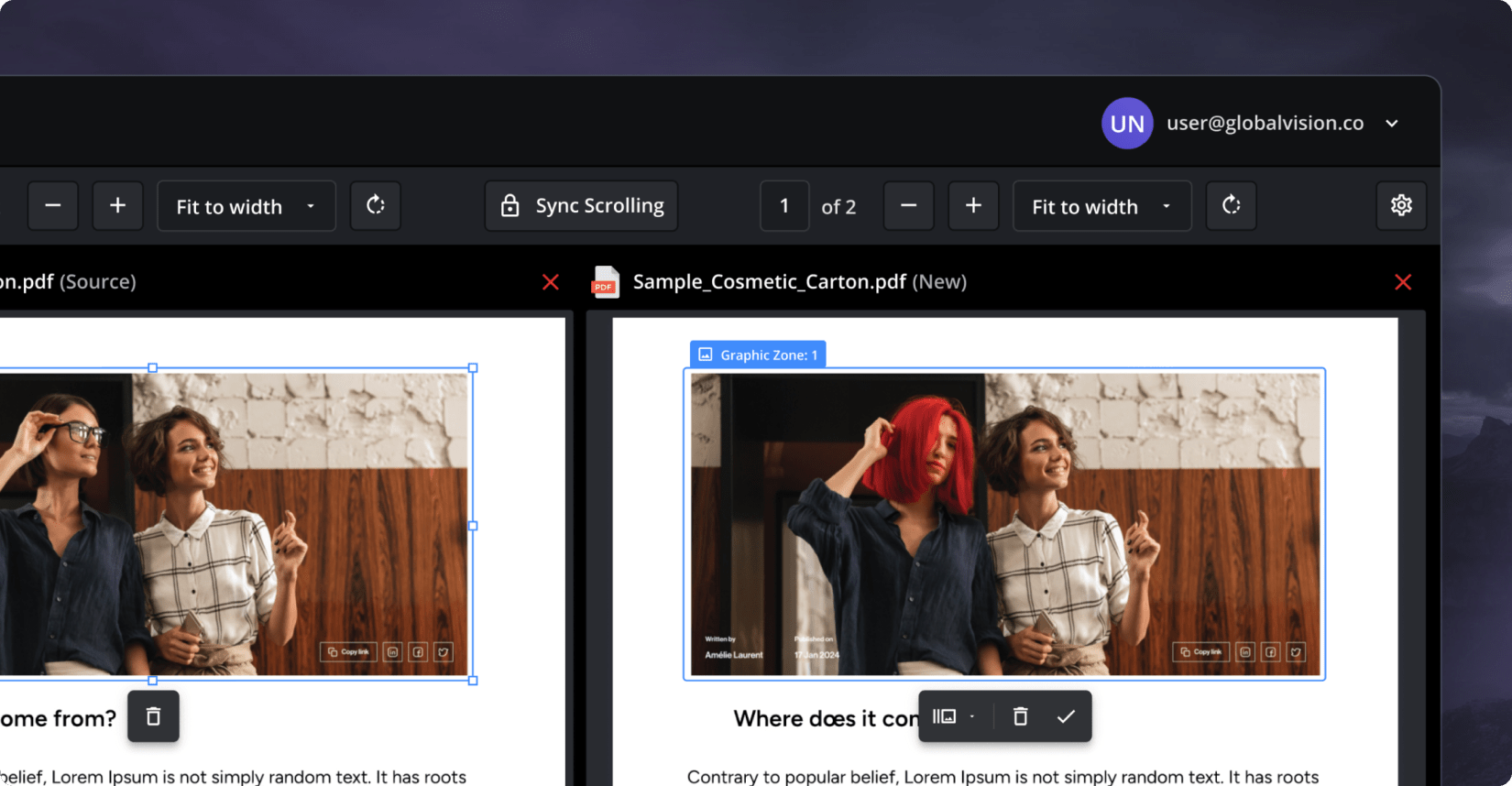
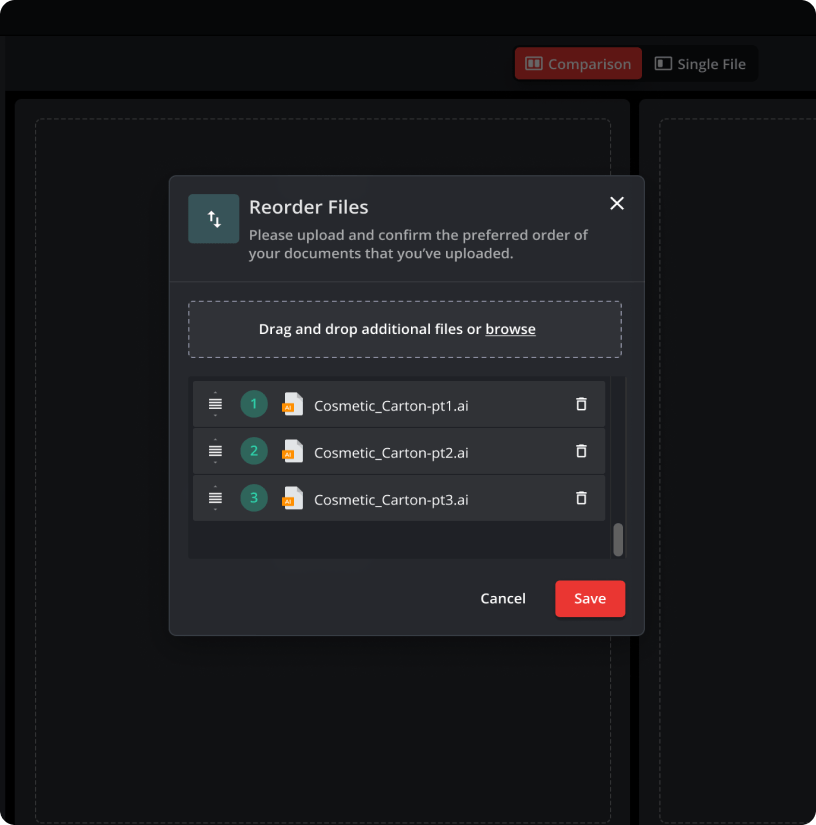
- Documents up for review come in various shapes and sizes and are not always 1:1, presenting a challenge in facilitating the selection and matching process.
- Our first iteration of the graphics feature fell short.
- We provided a manual tool that, depending on the user’s computer literacy level, became a major source of frustration.
Automated Graphic Inspections
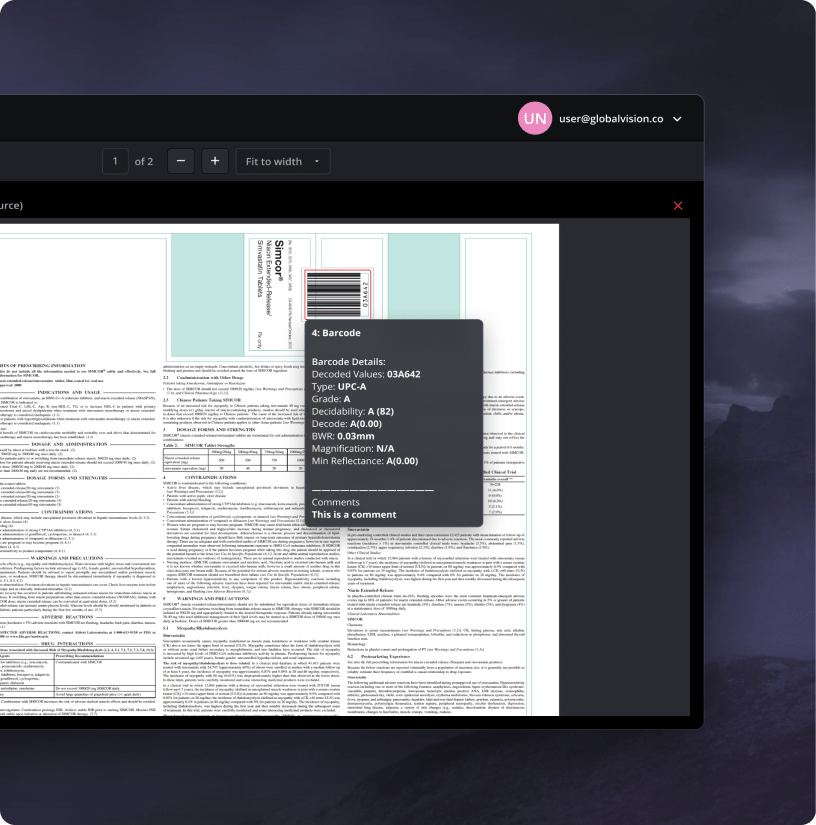
Given the substantial feedback we received suggesting “just make the software do it for me”, we realized we needed to pivot towards a solution that would automate the matching process and directly provide our users with the results.
The Solution
Our team has taken several steps to enhance the user experience and efficiency of our application:
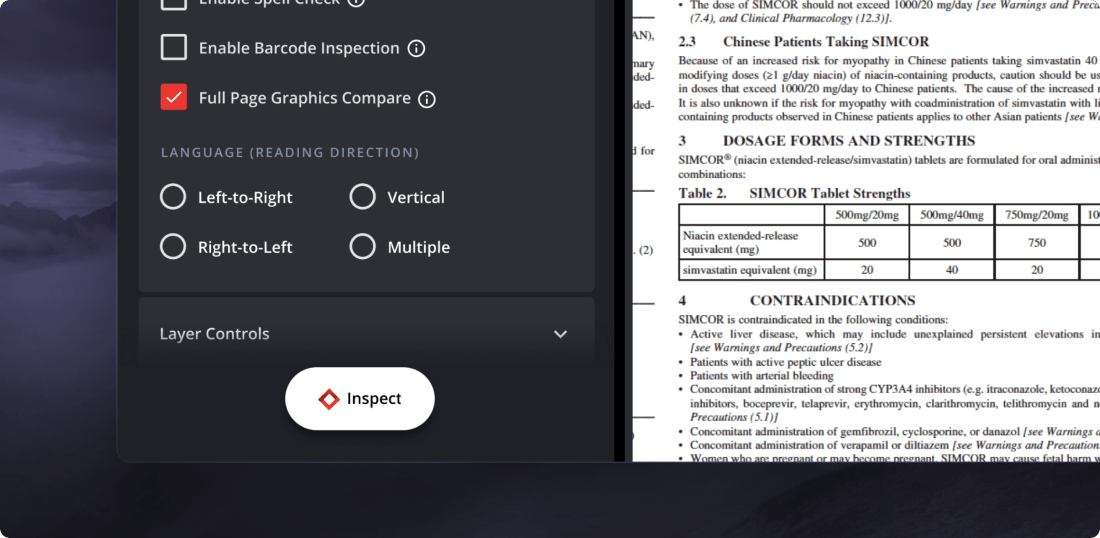
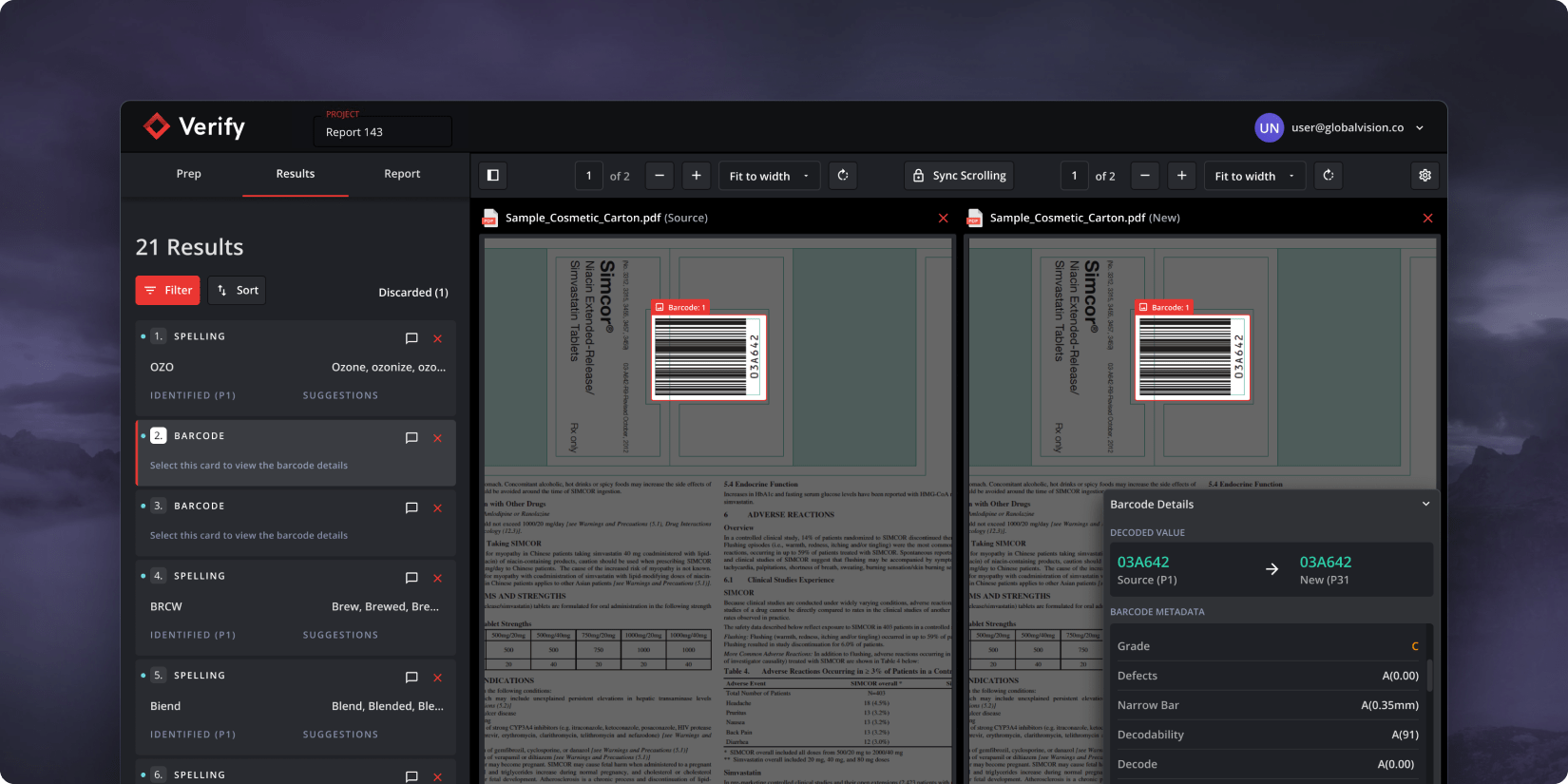
- The application was designed with a linear structure, guiding users through each inspection stage.
- We initiated a Prep phase, asking users about their inspection priorities. This made results review easier, as we only highlighted relevant errors.
- To streamline the review of results, we’ve implemented a tagging system for the identified errors. This system, referred to as “Difference Type”, provides additional context to help users expedite their review times.
Results
- We managed to release a production version of the software within an 8-month period.
- Reduced proofreading times to an average of 10minutes
Conclusion
In conclusion, the project was a success. The addition of Verify to the GlobalVision suite enhanced our product range by tackling upstream issues. Although initial challenges with manual graphic inspections were encountered, user feedback led to the creation of an automated solution. This greatly improved the user experience, reducing a process that once took days to just 10 minutes.
Unfortunately, our first iteration of the graphics feature fell short. We provided a manual tool that, depending on the user’s computer literacy level, became a major source of frustration.